How to add social profile buttons to your Google My Business listing
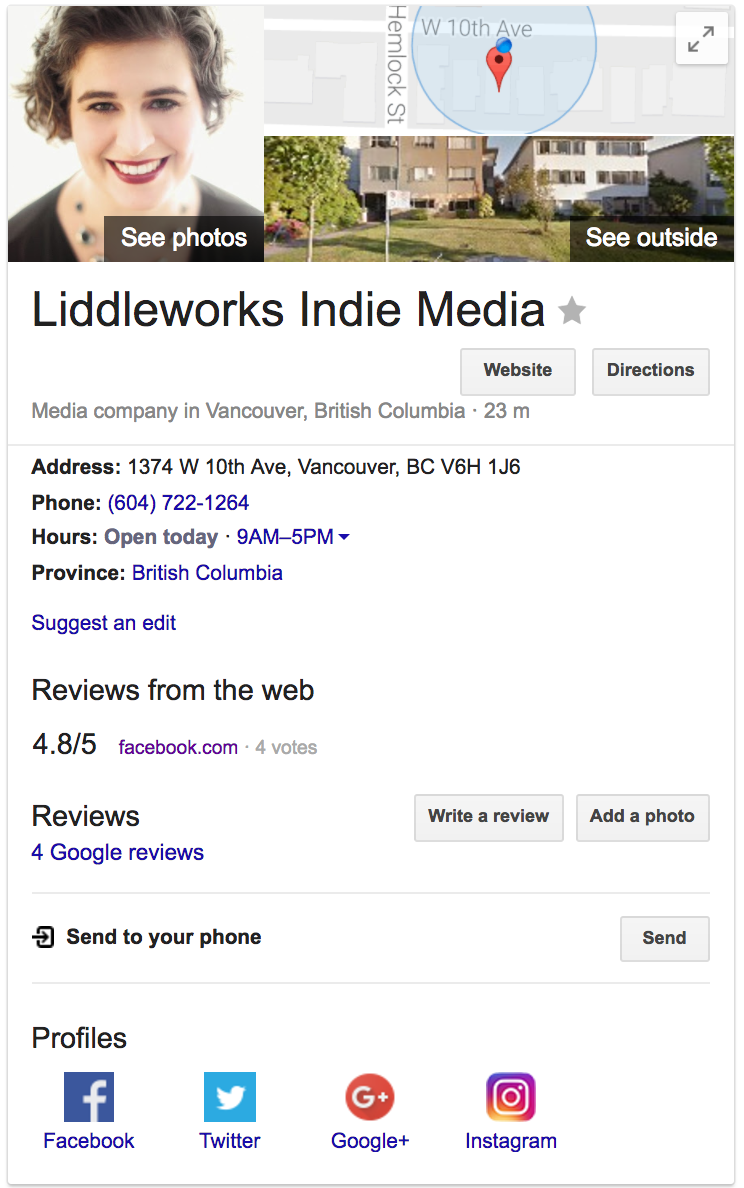
In case you missed it, Google added instructions on how to add your social profile buttons to your Google Business listing. Like in the example below:
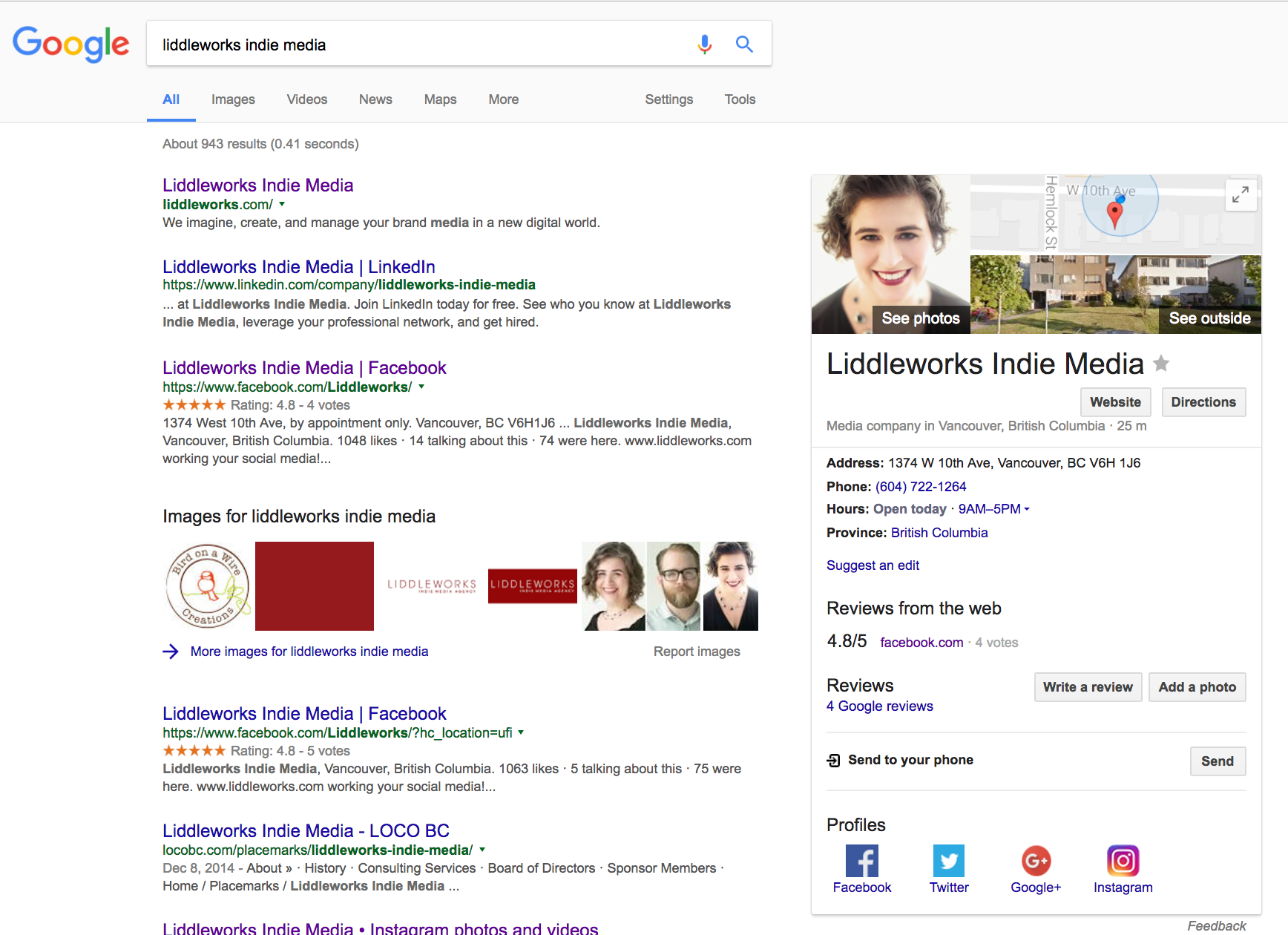
Currently, Google only supports these social profiles:
- Facebook • Twitter • Google+ • Instagram • YouTube • LinkedIn
To add your social media profiles to your website’s Google Profile, follow these simple steps:
Copy this code into a plain text document (on a Mac, that would be the TextEdit app)
<script type=”application/ld+json”>{ “@context” : “http://schema.org”,”@type” : “Organization”,”name” :”Your Organization Name”,”url” : “http://www.your-site.com”,”sameAs” : [“http://www.facebook.com/your-profile”,”http://www.twitter.com/yourProfile”,”http://plus.google.com/your_profile”]
}</script>
Troubleshoot your script with Google’s Structured Data Testing Tool.